
DOCUHEX ·
Free PDF Tools with No Account Required: A Private Browser Toolkit
Many PDF sites ask for an email address before download or send every document to their servers. DOCUHEX provides a practical toolkit that opens immediately and processes files on your device.
DOCUHEX offers free PDF tools without registration for merging, splitting, rotating, compressing, editing, OCR, conversion and password protection. You choose a tool, process the file in your browser and download the result.
Browse all free tools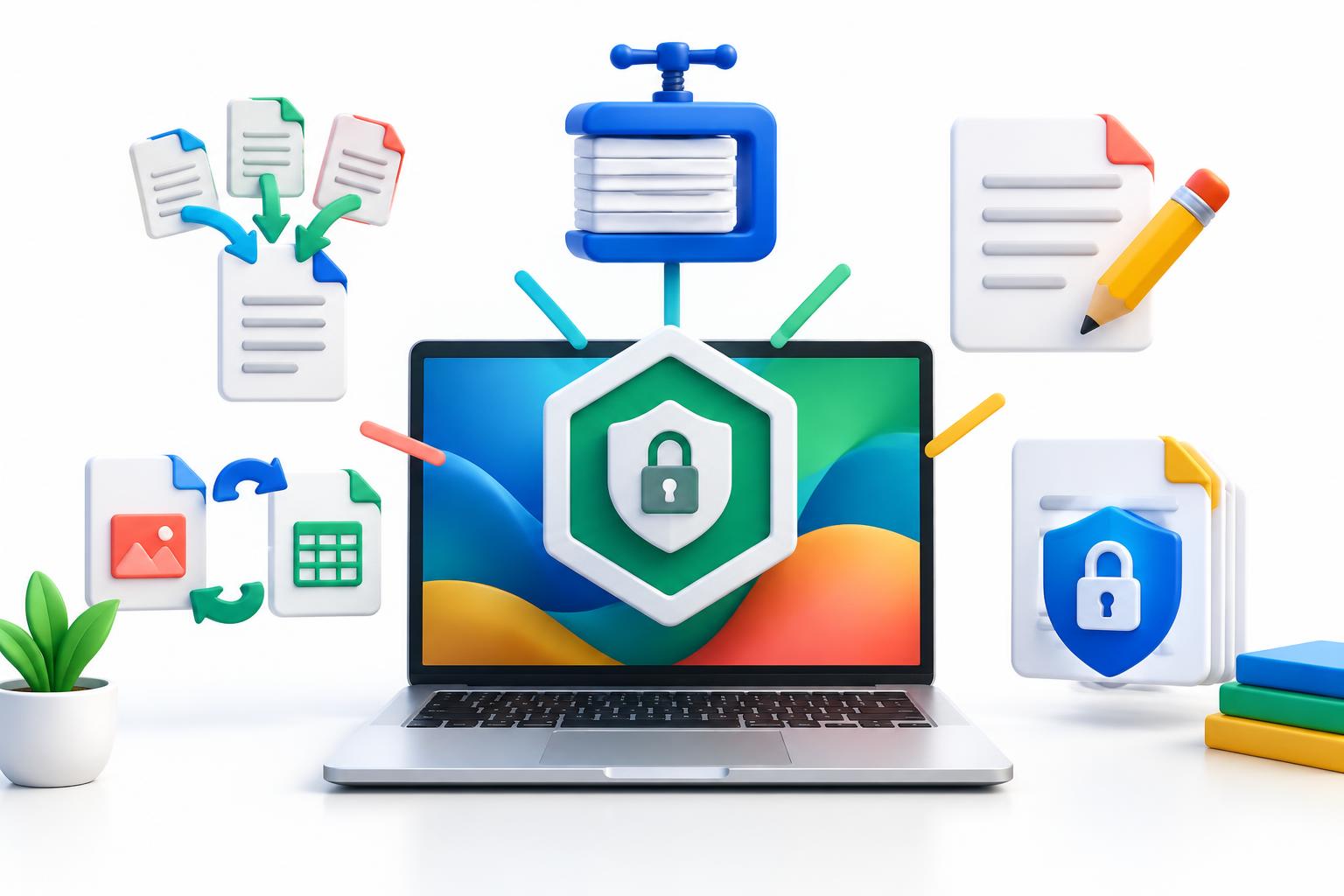
How to do it step by step
- Choose the task from the DOCUHEX tool directory.
- Select the PDF or image from your device.
- Preview and adjust the available options.
- Process locally and download the result—no account creation.
Why this browser workflow is useful
- Organize: merge PDF files, try Split PDF, rotate and delete pages.
- Improve: compress a PDF, edit and recognize scanned text with OCR.
- Convert and protect: Word, Excel, PowerPoint, images and password encryption.
What to know before you start
- The practical file limit depends on device memory rather than a server quota.
- OCR and background removal may download language or AI model files on first use.
- URL to PDF must retrieve the public web page; ordinary document files remain local.
Frequently asked questions
Is DOCUHEX free and does it require an account?
Yes. The tool is free and requires no account, email address or payment.
Is my file uploaded for processing?
No. The file is processed locally in your browser on your device.
What are the practical limits?
The practical file limit depends on device memory rather than a server quota.