DOCUHEX ·
The Complete DOCUHEX Guide: A Free, Private Digital Toolkit for Office Work
Office workers and researchers constantly need to merge PDFs, pull text out of images and adjust official documents. Yet many sites ask you to upload confidential files to unknown servers, or reveal a paywall only after processing. DOCUHEX offers an alternative: free tools that, in most cases, process files inside your browser, with no account or email.
DOCUHEX is a free PDF and image toolkit that runs in the browser using modern web technology such as WebAssembly. Open a tool, drop in your file and download the result. No sign-up is needed, and PDF and image tools process your file on your device instead of sending it to a processing server.
Browse all DOCUHEX tools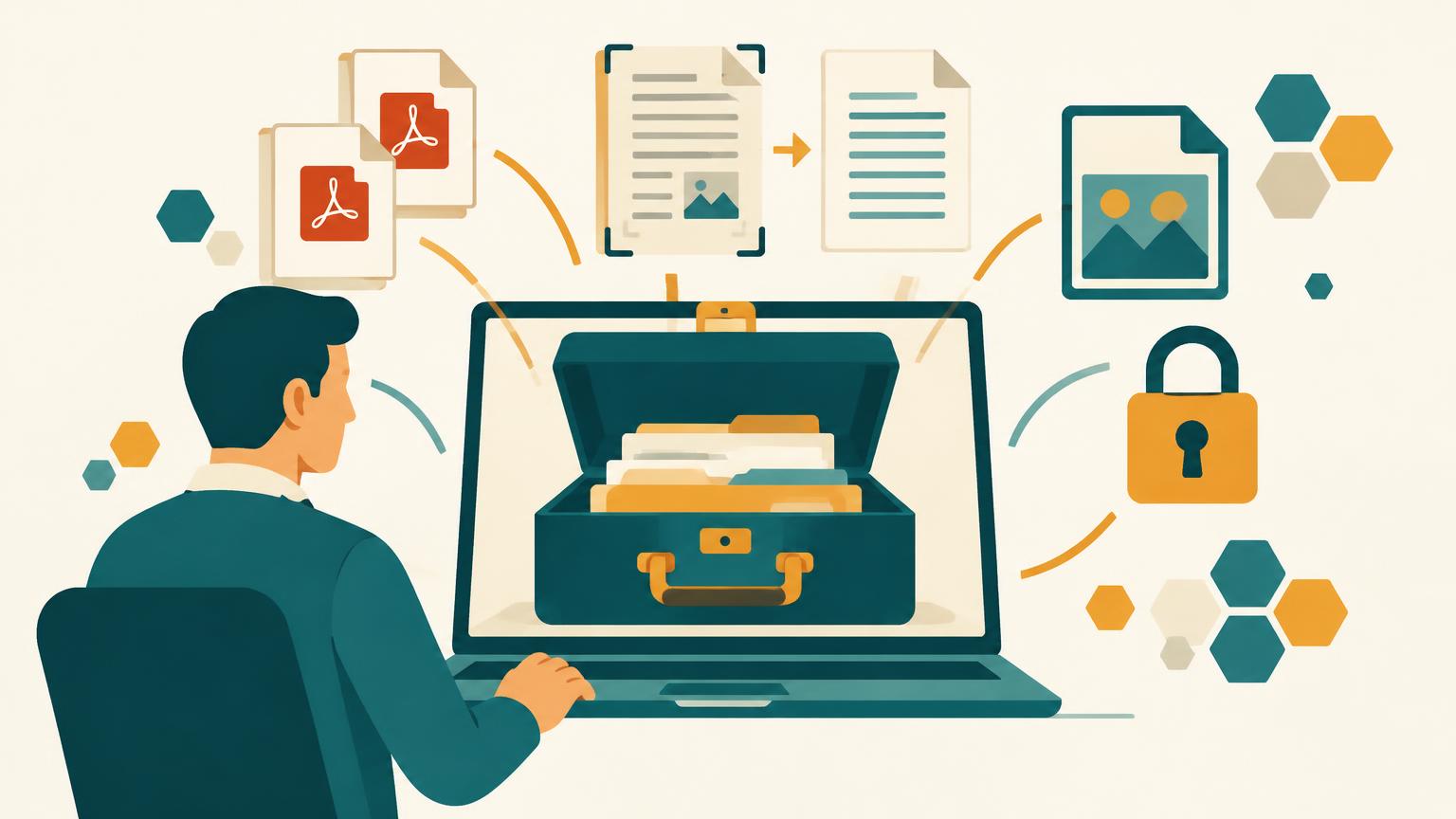
How to do it step by step
- Go to docuhex.com and pick the tool you need from the tools list.
- Drag and drop your file into the tool; it opens inside your browser.
- Adjust the options, run the tool and save the new file to your device.
Why this browser workflow is useful
- Merge PDF: combine several files into one, with page previews and reordering before you merge.
- Split PDF: extract chosen pages or split a large file into smaller ones with full control over page ranges.
- Compress PDF: shrink files for email or government and university portals, with three quality levels.
- Protect PDF (/protect-pdf): add a password to keep sensitive documents from being opened.
- Rotate and delete pages (/rotate-pdf and /delete-pages-pdf): fix upside-down pages and remove extras with a visual preview.
- Arabic and English OCR (/ocr-pdf): turn scans into copyable, searchable, editable text with a correctable preview.
- Images to PDF (/jpg-to-pdf and /png-to-pdf): turn phone photos of documents into a PDF ready to print or send.
- PDF to images (/pdf-to-jpg and /pdf-to-png): export pages as high-resolution images for slides and sharing.
- Office conversion (/pdf-to-word, /word-to-pdf, /pdf-to-excel): move between PDF, Word, Excel and PowerPoint.
- Image tools (/compress-image, /resize-image, /remove-background): reduce size, change dimensions and remove backgrounds to meet online form requirements.
- Edit and sign PDF (/edit-pdf): add text, images and your signature directly to a document.
What to know before you start
- The practical file-size limit depends on your device's memory and speed.
- Some tools, such as OCR and background removal, download models or language files on first use, and URL to PDF fetches the page through a server because it needs the internet.
- Complex tables and rare fonts may need manual touch-ups after conversion, so check the result and keep the original.
Frequently asked questions
Is DOCUHEX free and does it require an account?
Yes. The tool is free and requires no account, email address or payment.
Is my file uploaded for processing?
No. The file is processed locally in your browser on your device.
What are the practical limits?
The practical file-size limit depends on your device's memory and speed.