
DOCUHEX ·
Remove an Image Background Free, with No Upload or Account
A clean transparent cutout is useful for product listings, profile pictures and presentations. DOCUHEX runs an AI background-removal model in your browser so the photo stays on your device.
To remove a background for free, choose a JPG, PNG or WebP image, let the local AI model identify the subject, refine the result if needed, and export a transparent PNG or a colored-background image.
Remove a background now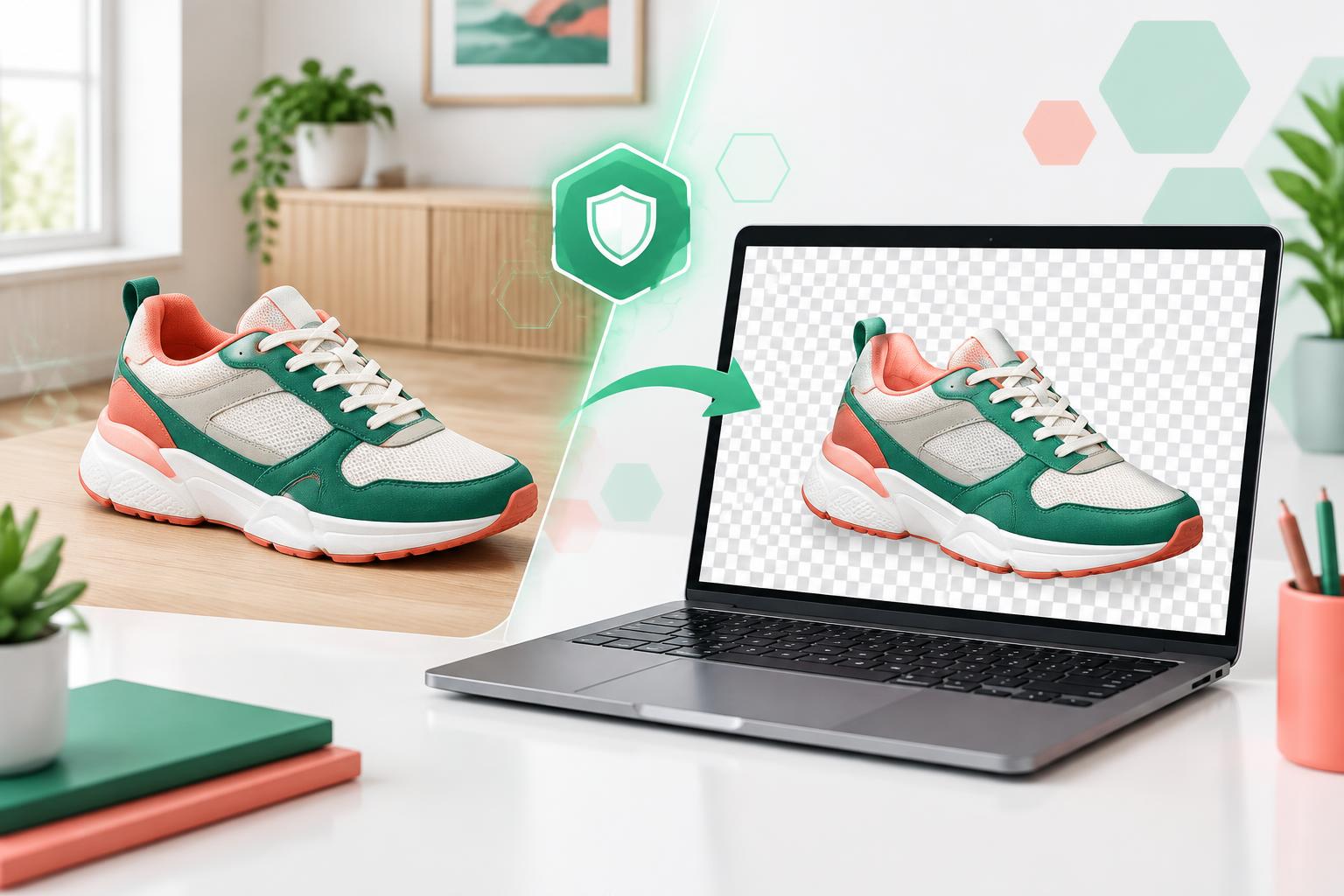
How to do it step by step
- Open Remove Background and select an image.
- Wait while the AI model downloads if this is your first use and processes the photo locally.
- Preview the subject against transparency or choose a solid background color.
- Export as PNG, WebP or JPG in the format you need.
Why this browser workflow is useful
- Transparent PNG works well for shops, slides and design tools.
- The photo is not uploaded for background removal.
- No account, email address or payment is required.
- Putting the cutout into a document? Once it is a PDF, merge PDF files the pages and compress a PDF before you send them.
What to know before you start
- Hair, glass, shadows and similar foreground/background colors can need extra checking.
- The model must download on first use, so an initial internet connection is required.
- Processing speed depends on your device and image dimensions.
Frequently asked questions
Is DOCUHEX free and does it require an account?
Yes. The tool is free and requires no account, email address or payment.
Is my file uploaded for processing?
No. The file is processed locally in your browser on your device.
What are the practical limits?
Hair, glass, shadows and similar foreground/background colors can need extra checking.